What is Managed WiFi? Definitions, How It Works & More
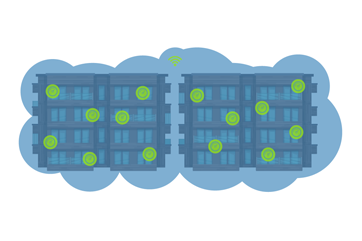
Managed WiFi is a property-wide wireless network that a third-party provider designs, installs,...




Reuse is the biggest variable in the whole project. Existing coax, Cat5e, and conduit can often be reused, and in older buildings the pathway matters more than the cable sitting inside it.
Your incumbent contract can set the project calendar.
An occupied building needs phasing, not just cabling.
Running the old and new service in parallel is what keeps residents connected while units migrate and missed appointments get chased down.
The project doesn’t end at activation. Acceptance testing, per-unit verification, and a named owner for ongoing network management belong in the plan before the first cable is pulled.
Residents are asking for better internet, but the building is full and the wiring in the walls may be older than half your lease file. Upgrading sounds straightforward until you start looking at what it will take to get new service into an occupied property.
Retrofitting internet in an occupied apartment building takes more than replacing equipment. You have to account for risers, telecom closets, access to occupied units, provider contracts, and resident communication long before anyone logs in on the new network.
Existing coax, Cat5e, old phone lines, and crowded conduit all factor into the upgrade plan. Some infrastructure may be reusable, but other components will need to be replaced. The goal is to make that transition without disrupting move-ins, creating extra work for staff, or taking residents offline.
Before anyone starts pulling cable or quoting equipment, you need a clear picture of what you’re working with. Here’s how the retrofit process works, from evaluating your existing infrastructure to bringing the new network online.
A retrofit replaces or overbuilds the connectivity infrastructure of a standing, occupied building. This is not the same as new construction, where pathways, telecom rooms, and cabling get designed before the walls close. It's also different from a WiFi rescue, where the existing network mostly stays put and the work is focused on coverage, interference, configuration, and management.
New backbone cabling, riser pathways, in-unit termination, a different bulk internet model, or a full property-wide deployment all point to a retrofit. But when the wiring is sound and the WiFi experience is the problem, a WiFi rescue may be the cheaper place to start.
If you’re deciding how internet service should work at your property, start by comparing managed WiFi versus bulk WiFi. If the building itself needs an overbuild, managed WiFi for existing construction is the place to start.
The decision to reuse or replace existing infrastructure affects cost, schedule, resident disruption, and the final network design. No provider can price the job accurately until it knows what the building already has, and whether that infrastructure is usable as live cabling, only as pathway, or not usable at all.
| Inherited Infrastructure | Retrofit Expectation | Owner-Side Takeaway |
| RG-6 or RG-59 coax | Can sometimes be reused for service delivery or as part of a fiber-extension design, depending on condition, topology, and equipment model. | Don't assume existing coax is dead, and don't assume it can carry the whole plan either. |
| Cat5e or Cat6 home runs | Often useful if cables are intact, properly terminated, and run from usable closets or panels. | Map where each run starts and ends before you accept that rewiring is required. |
| Telephone twisted pair | Usually a poor fit for a modern property-wide network. | Treat it as legacy wiring unless a provider confirms a narrow reuse case. |
| Conduit, risers, sleeves | Often valuable as pathway even when the cable inside it is not reused. | Pathway availability may decide whether the retrofit is simple or invasive. |
| In-unit media panels | Can support cleaner terminations and faster resident activation if accessible and sized correctly. | Inspect sample units before you set the schedule. |
| MDF/IDF closet space | Needed for provider handoff, switching, power, UPS, and distribution. | A crowded or underpowered closet can stall the project before any cabling starts. |
Asking for pricing before you can answer basic questions about the building is an easy way to lose weeks going back and forth. Get ahead of it by pulling together as-built drawings, riser diagrams, floor plans, telecom closet locations, and any records showing where coax, Ethernet, or phone lines actually run.
Contract documents need attention early on too. Your incumbent cable or ISP agreement may control notice windows, right-of-entry terms, exclusivity language, and the earliest date you can cut over. Review your existing telecom agreement while you’re planning the retrofit, not when construction is ready to begin. And if you’re currently in a bulk cable arrangement, take a look at what the alternatives look like before you renew anything.
Next up, confirm any physical and administrative constraints, which could include the following:
Electrical capacity in the main communications room
UPS expectations
Cooling and ventilation limits
Board or HOA approvals
Lease language that gives management authority to schedule unit access
Cost structure varies with the service model too, so how managed WiFi is priced is worth reviewing before you compare bids.
When planning and executing an internet retrofit, each side has a clear job: A provider designs and builds the network, while the owner controls documents, approvals, access authority, and resident communication.
Retrofits go wrong in a predictable order. If you start choosing hardware before you’ve sorted pathways, contracts, and resident access, and you’re likely setting yourself up for rework. Following the right sequence helps keep the project moving forward.
The first phase verifies existing cabling, closet conditions, riser access, pathway options, and coverage goals. A pre-installation site survey documents the physical conditions, and a WiFi health check is used when the property already runs a live network and you're not yet sure it needs full replacement. For the underlying design fundamentals, planning the network design covers that ground in depth.
Next, the service feed reaches the property, which can mean provider coordination, conduit entry, boring, trenching, or a new demarcation point where the outside service hands off to the building. From there the work moves up through vertical backbone paths in the risers and then out horizontally to floors, units, common areas, and amenity spaces.
This pattern is the whole point of fiber for MDUs: Provide real capacity to the property once, then distribute it through the building instead of depending on resident-by-resident service orders. A symmetrical fiber backbone is what makes upload-heavy resident behavior sustainable.
Technicians will need access to occupied units if the unit needs cabling to be pulled, terminations replaced, CPE installed, or media panels activated. A good design cuts down on repeat entry by finishing cabling, termination, and testing in a single scheduled visit.
Access points (AP) are then installed to serve the whole property, not just individual units. AP placement accounts for hallways, amenity spaces, outdoor areas, and interference between resident routers which is at its worst when legacy service is still live during the transition.
In an occupied building, this process is as much a coordination job as a construction job. The property team handles resident notices, entry permissions, schedule enforcement, and lease-turn coordination, while the provider handles technical labor, installation standards, testing, and activation.
Phasing usually runs floor by floor, stack by stack, or building by building. Vacant units and upcoming turns can absorb the most disruptive work, which is why the construction calendar and the leasing calendar need to be considered together. For occupied units, notices should say why access is needed, what technicians will touch, a rough estimate of visit duration, and who the resident need to call if they need to reschedule.
Don’t leave visible aesthetics up to field crews on installation day. In older concrete or masonry buildings with limited pathways, some exposed conduit may be unavoidable. Concealed routes, paintable raceways, and color-matched conduits, help keep a finished property from looking patched together. Handling these decisions early prevents last minute decisions you could regret later.
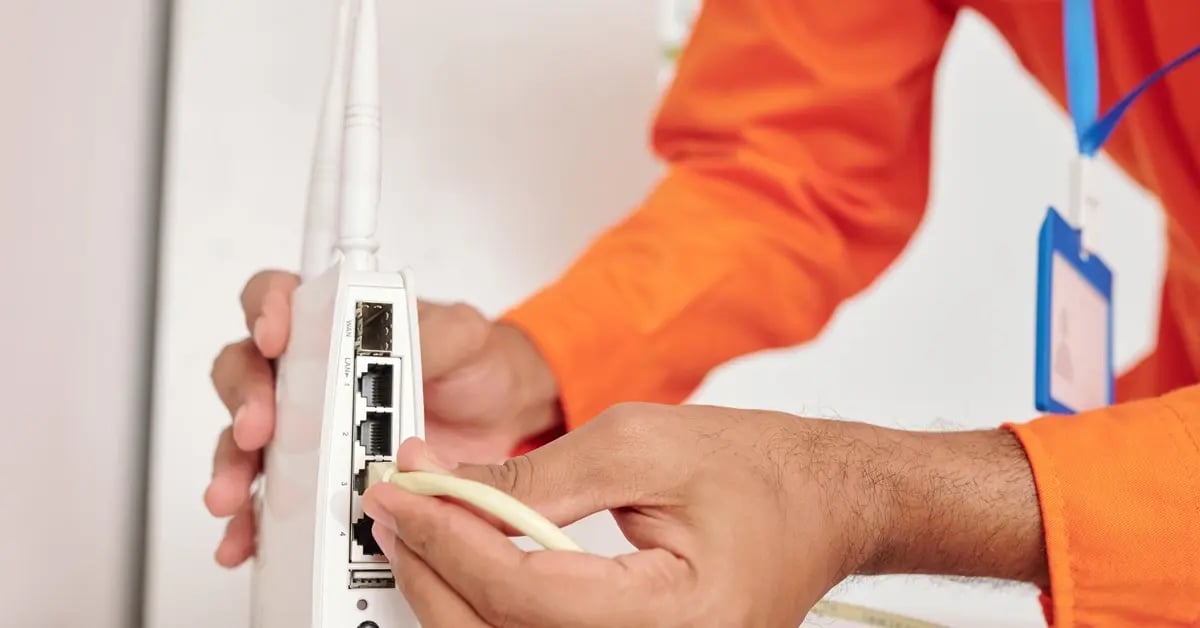
Cutover isn't a switch you flip. The old service and the new service generally need to overlap so that no resident loses connectivity mid-migration. This overlap also buys staff time to onboard residents, follow up on units the crew couldn’t access, and validate service before the incumbent agreement lapses.
The right migration sequence depends on the property:
A student housing property may line cutover up with resident turnover.
A senior living community usually needs tighter resident communication and more hands-on staff support.
Conventional multifamily often moves building by building or floor by floor.
Keep in mind that the old provider's notice window can determine your calendar as much as the construction schedule does, so review contract timing before you finalize the installation plan.
Residents shouldn’t need to think about any of this. They should be able to move in, connect, and get help if they need it without buying their own service or waiting on a technician. Getting there depends on both the build and resident onboarding after activation. Northstar Properties replaced cable with managed WiFi across its portfolio using a similar approach.
A retrofit isn't finished when the lights come on in the closet. Acceptance should include per-unit verification where applicable, coverage validation in common areas, confirmation that resident onboarding works, and a punch list covering failed units, weak spots, labeling, documentation, and closet cleanup.
After launch, ownership shifts from construction to operations. Somebody has to monitor the network, answer resident issues, manage equipment health, and keep the property from sliding back into connectivity tech debt. This is the real difference between property-wide managed WiFi and a one-time wiring project. The network gets operated as a property amenity after it's built. It’s best to decide on who does that and how before the first cable is pulled. Ongoing network management and resident support should be built into the project from day one.
If your property is occupied, already wired, or overdue for better service, start with an assessment instead of guessing whether you need fiber to every unit or a full rewire. This assessment documents what you have, what can be reused, what has to be replaced, how residents will be scheduled, and how the new network cuts over without a service gap.
At Dojo Networks, we design, install, and operate MDU connectivity for existing properties. Not sure whether your building needs a WiFi upgrade, a fiber overbuild, or a full managed network replacement? Talk to Dojo Networks about a retrofit assessment for your property.

We’re Here to Help Through Top of the Line Technology And Professional Support.